Turn any idea or article into a branded carousel in 60 seconds.
Paste a topic, a post you wrote, or an article link. Get a LinkedIn carousel in your colors, fonts, and voice, ready to edit and post.
No design skills · Create and edit free · Pay only to download
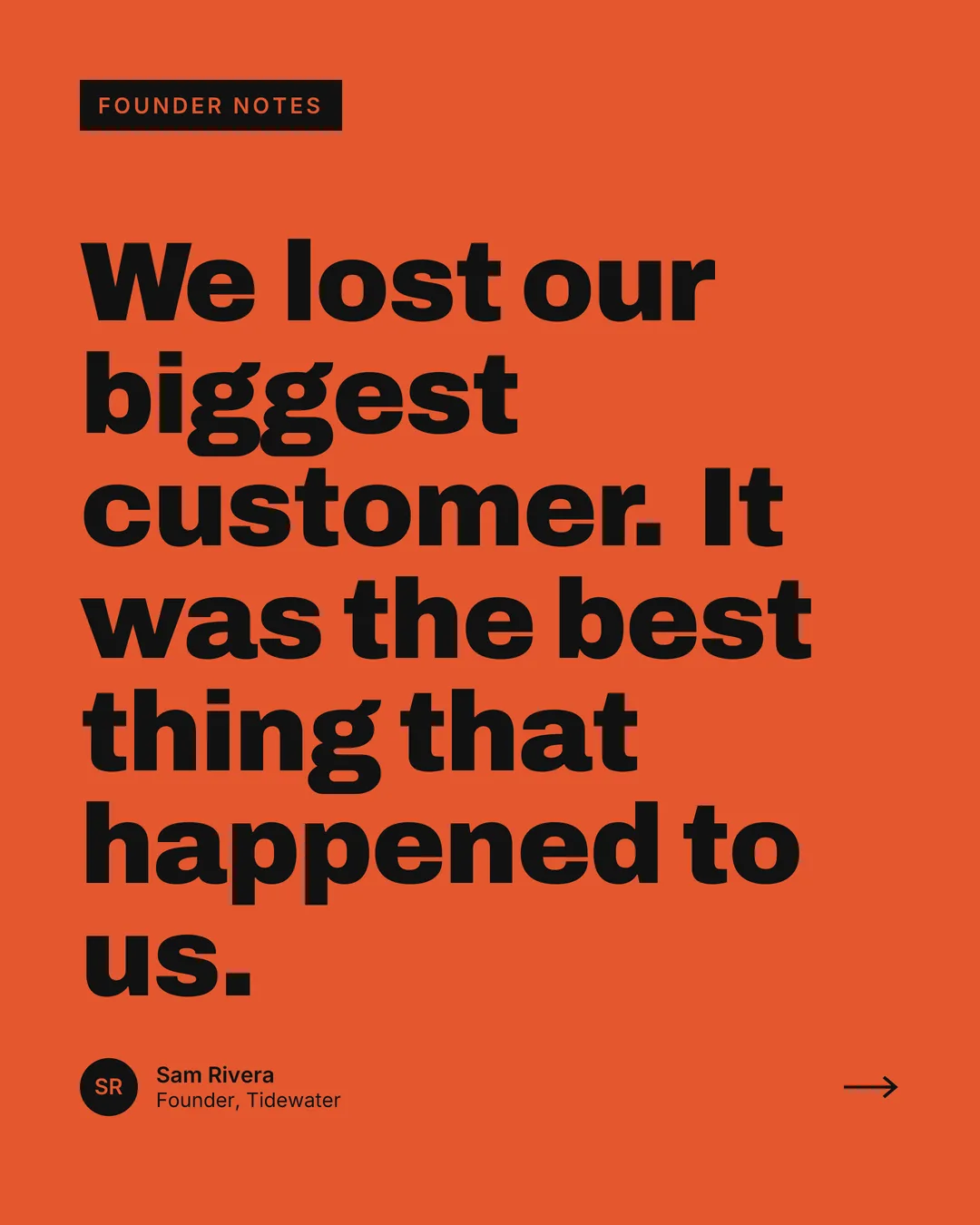
Before and after
What you paste, and what you get
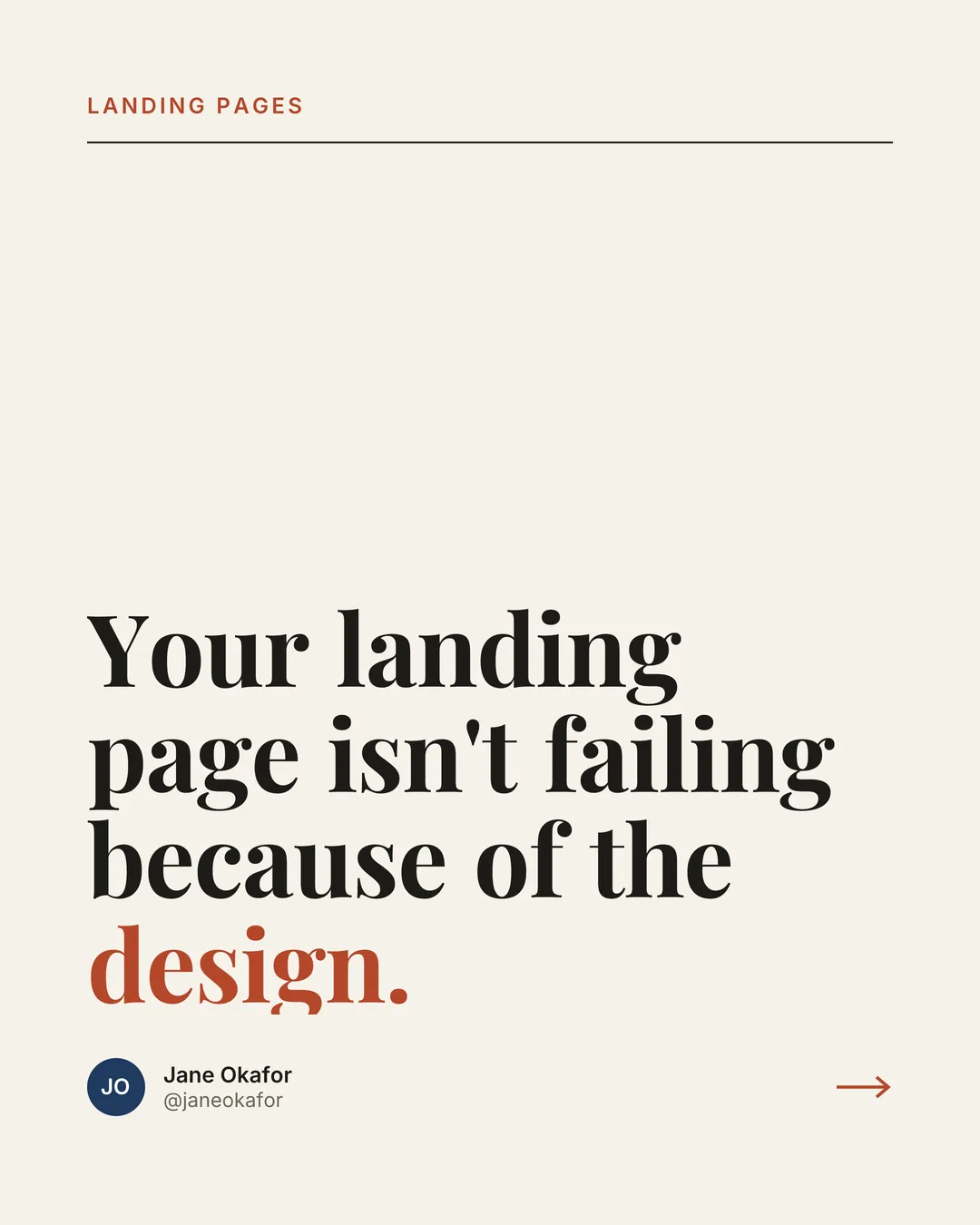
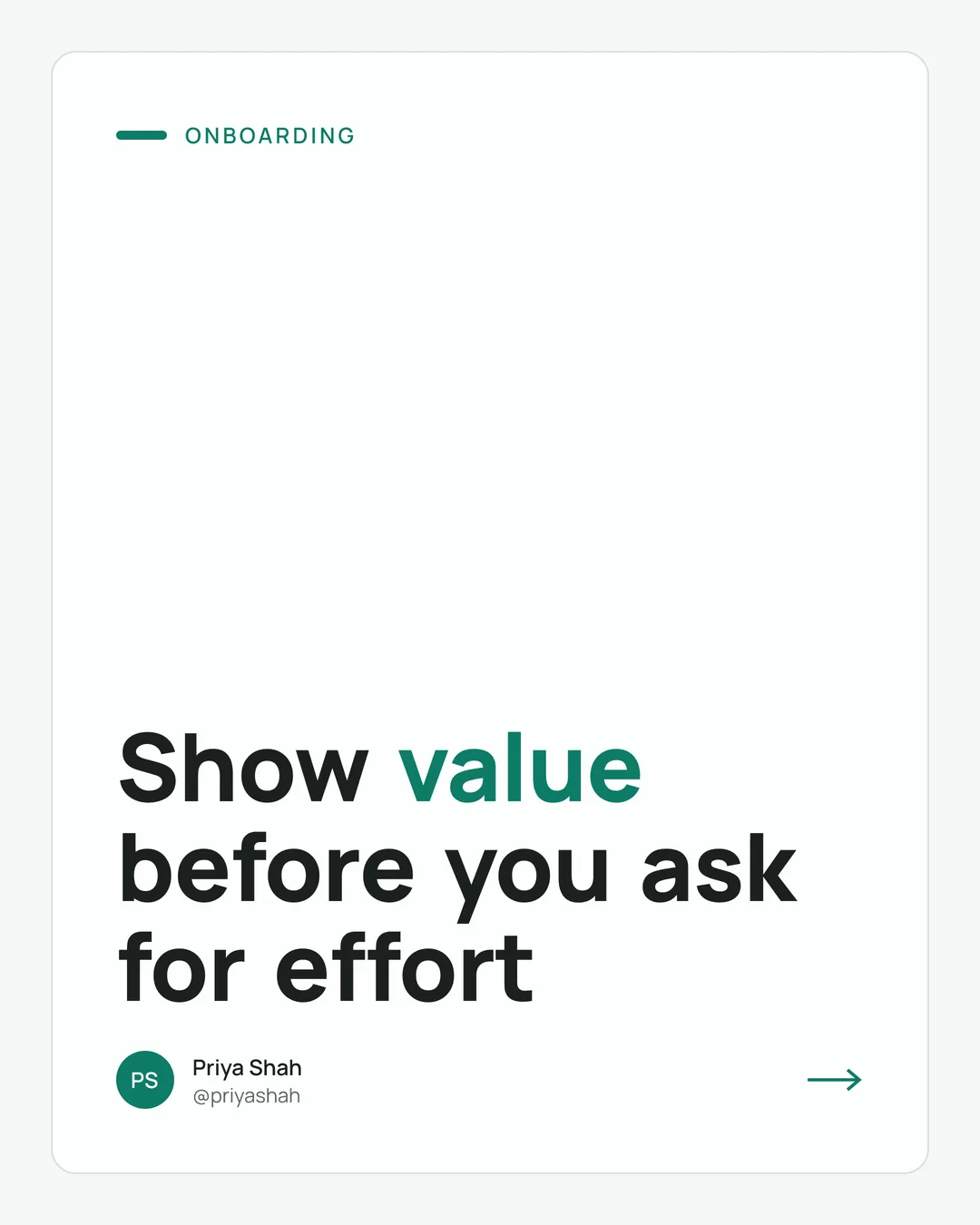
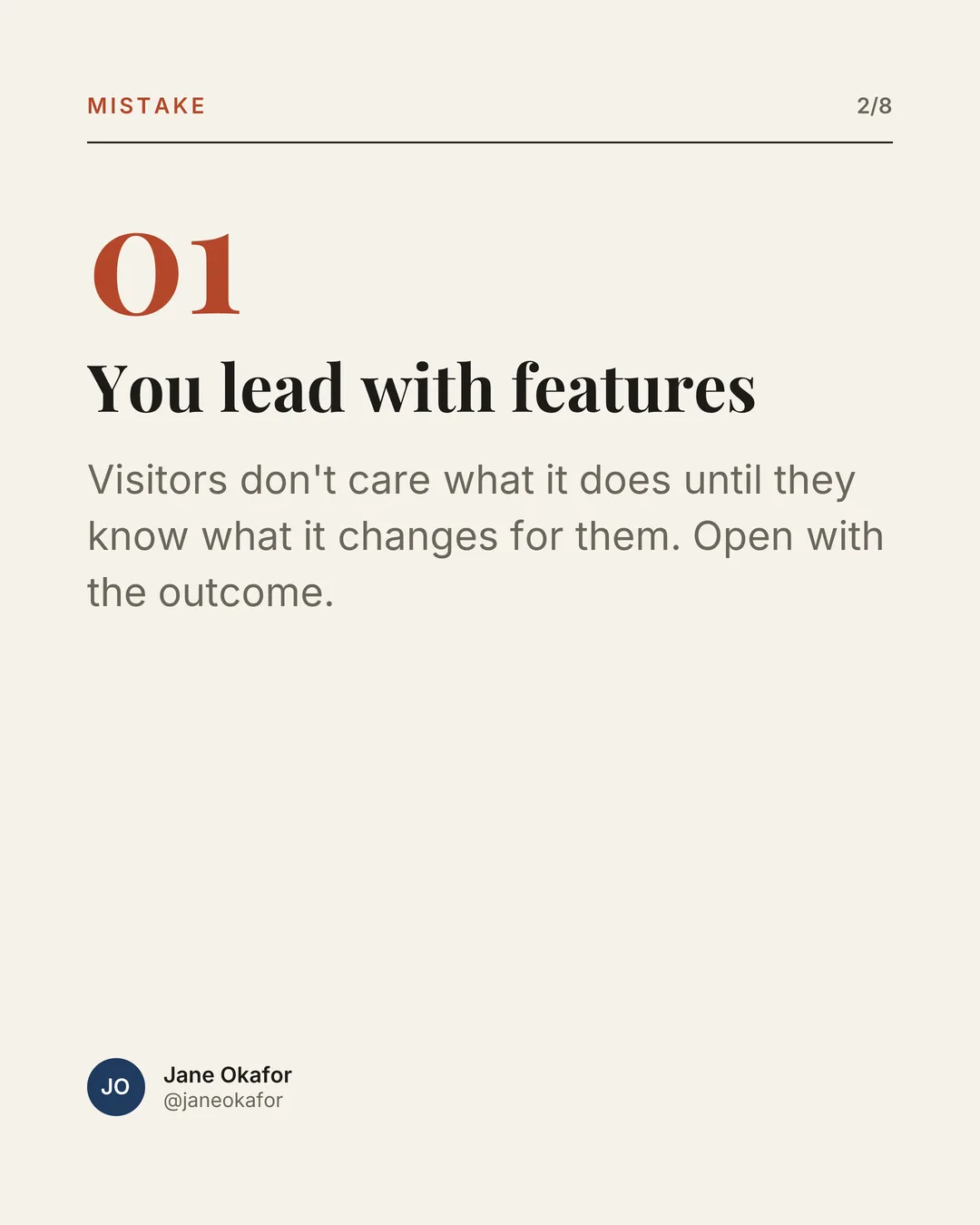
Three real carousels from three kinds of input. The slides below are the app's actual output, not mockups.
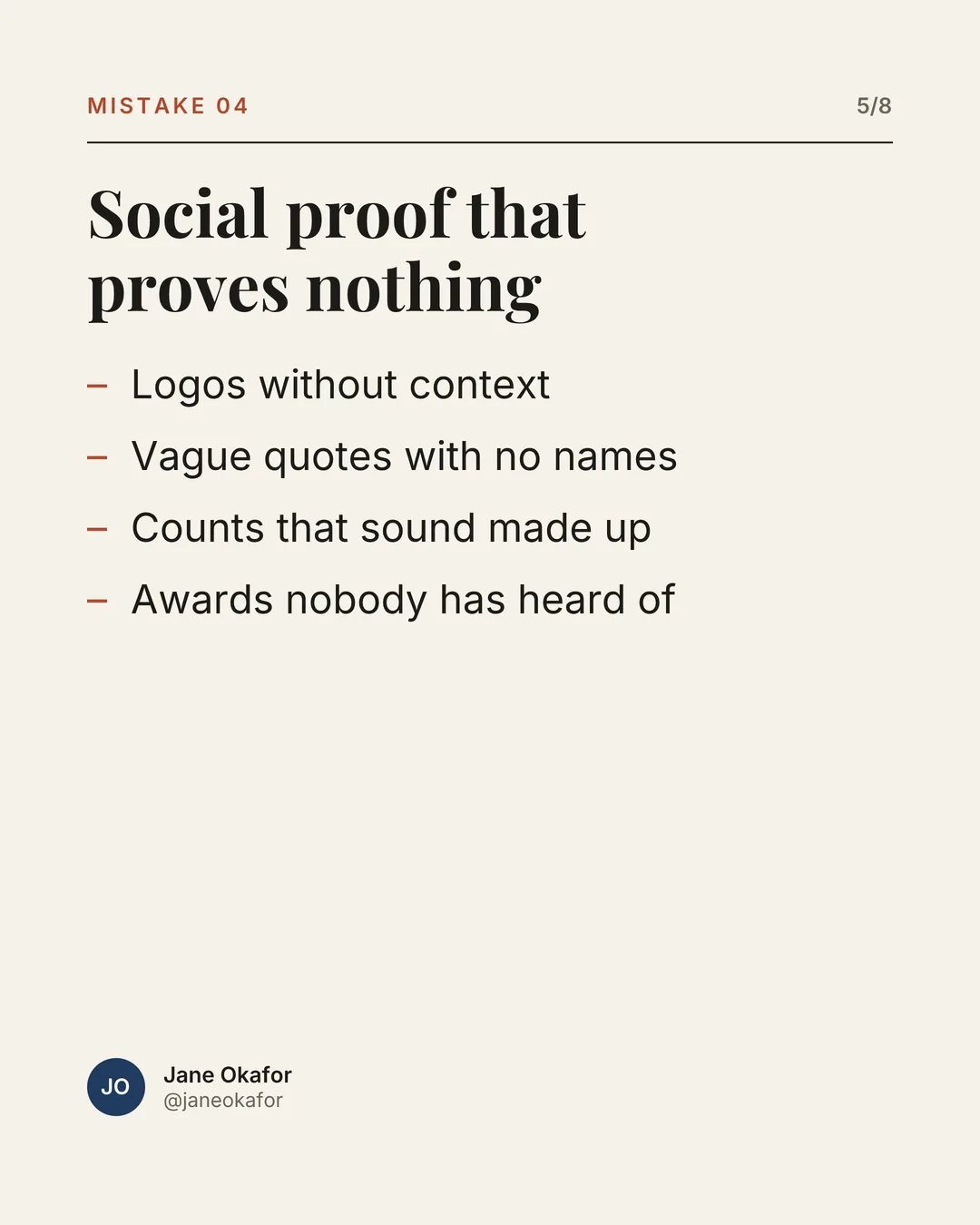
From a topic
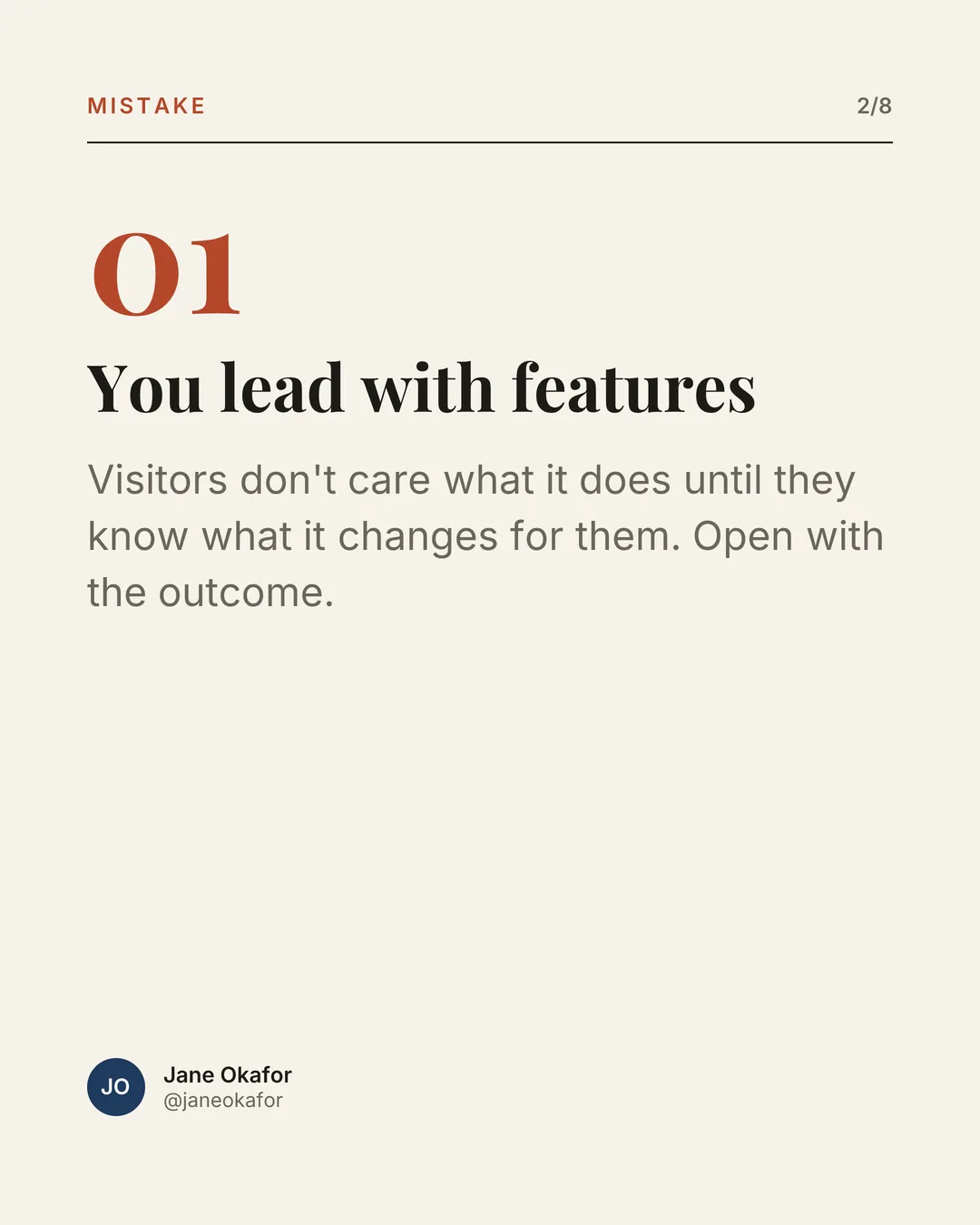
“Why most SaaS landing pages fail”
From a post you already wrote
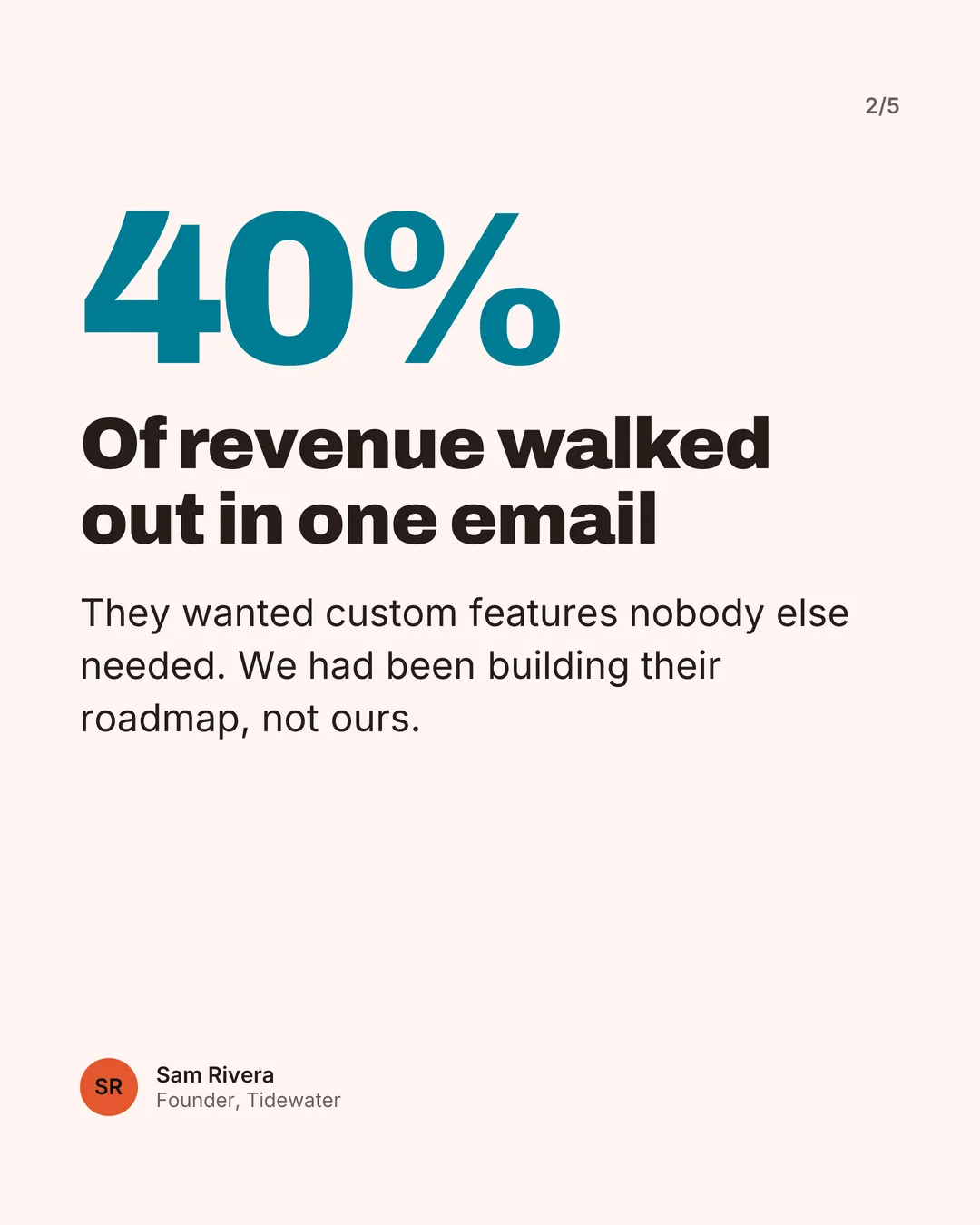
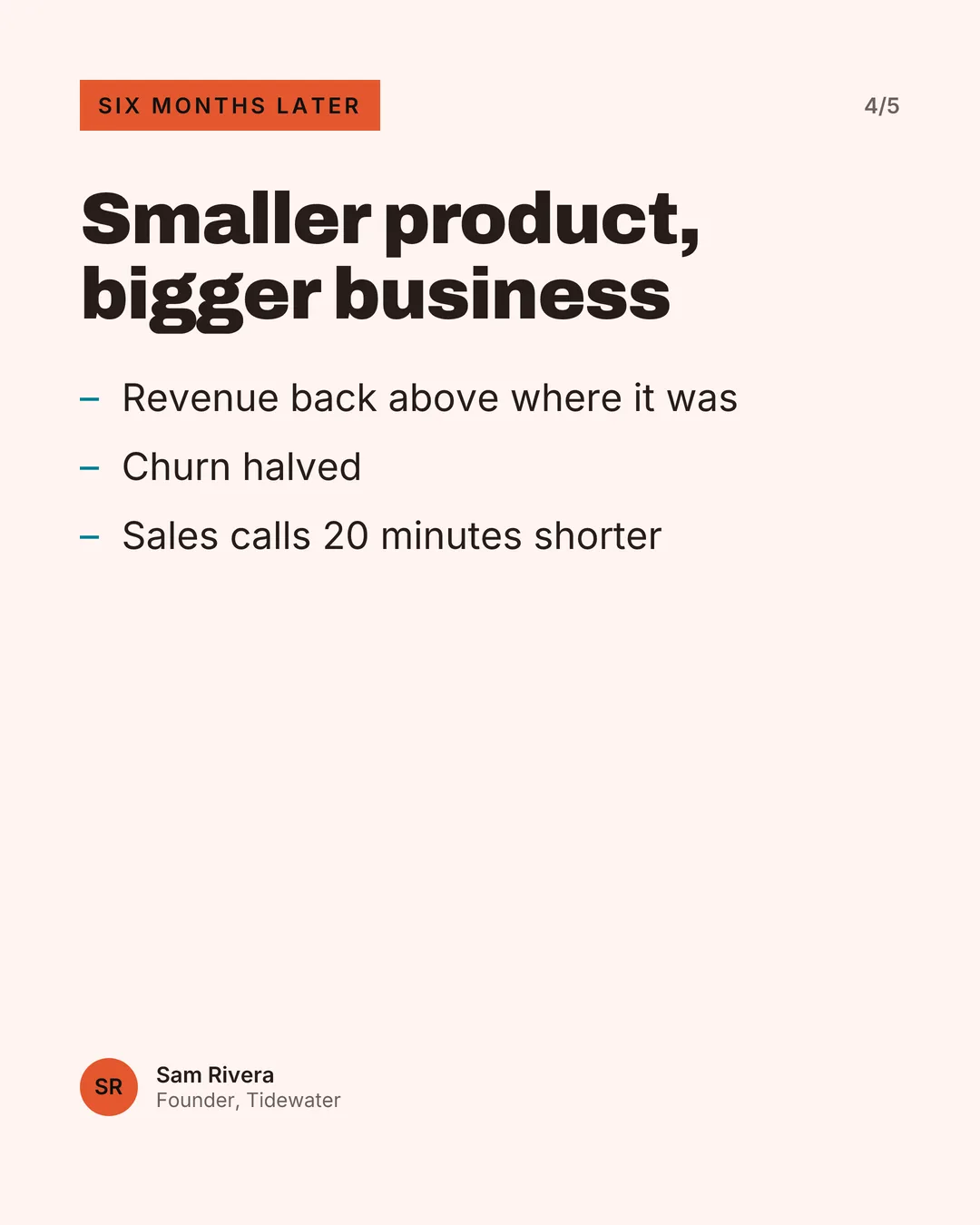
Six months ago our biggest customer left. 40% of revenue, gone in one email. They wanted custom features nobody else needed, and honestly we had been building their roadmap instead of ours. So we called the twelve customers who stayed. Every single one used the same two features. We cut the rest.…
From an article link
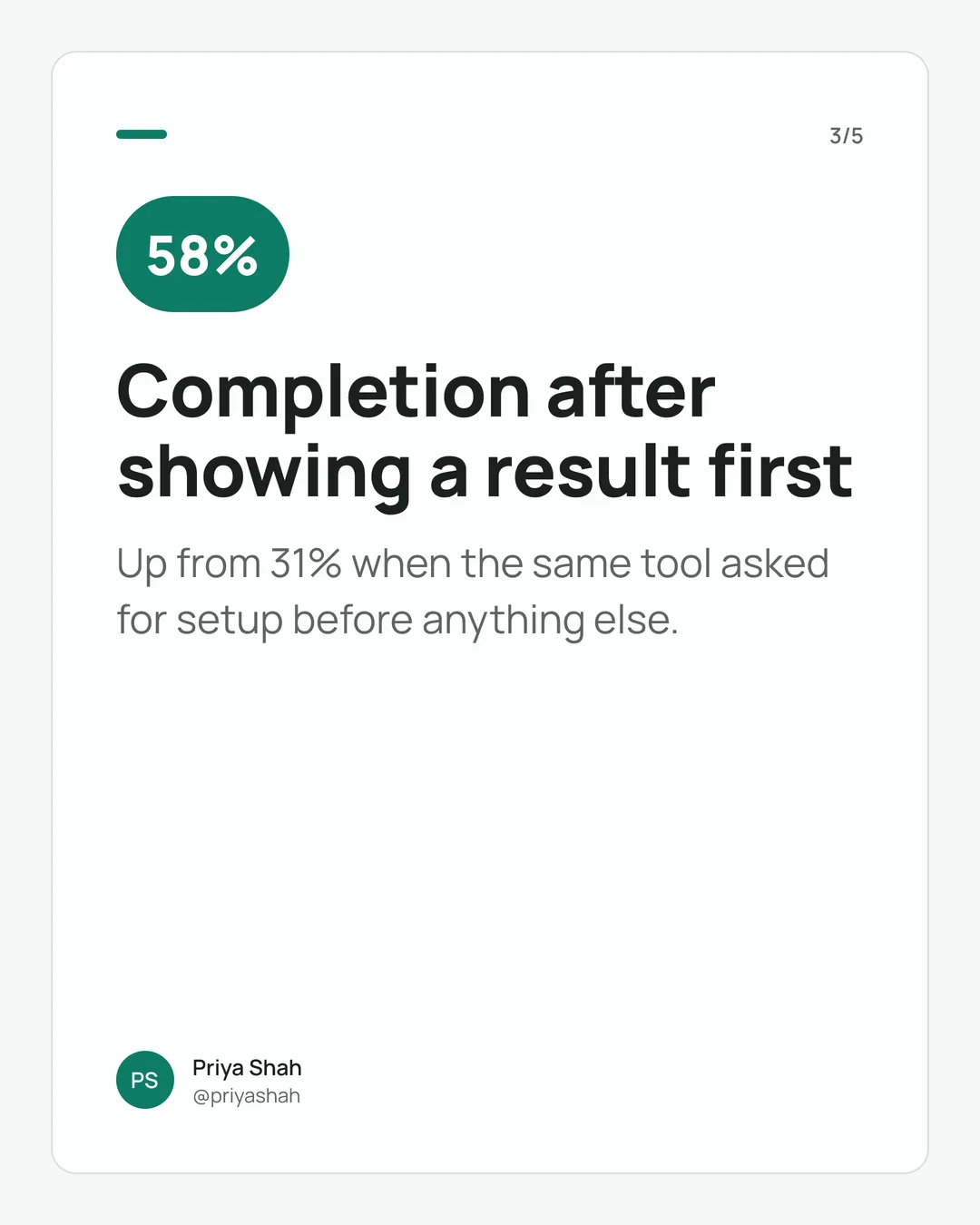
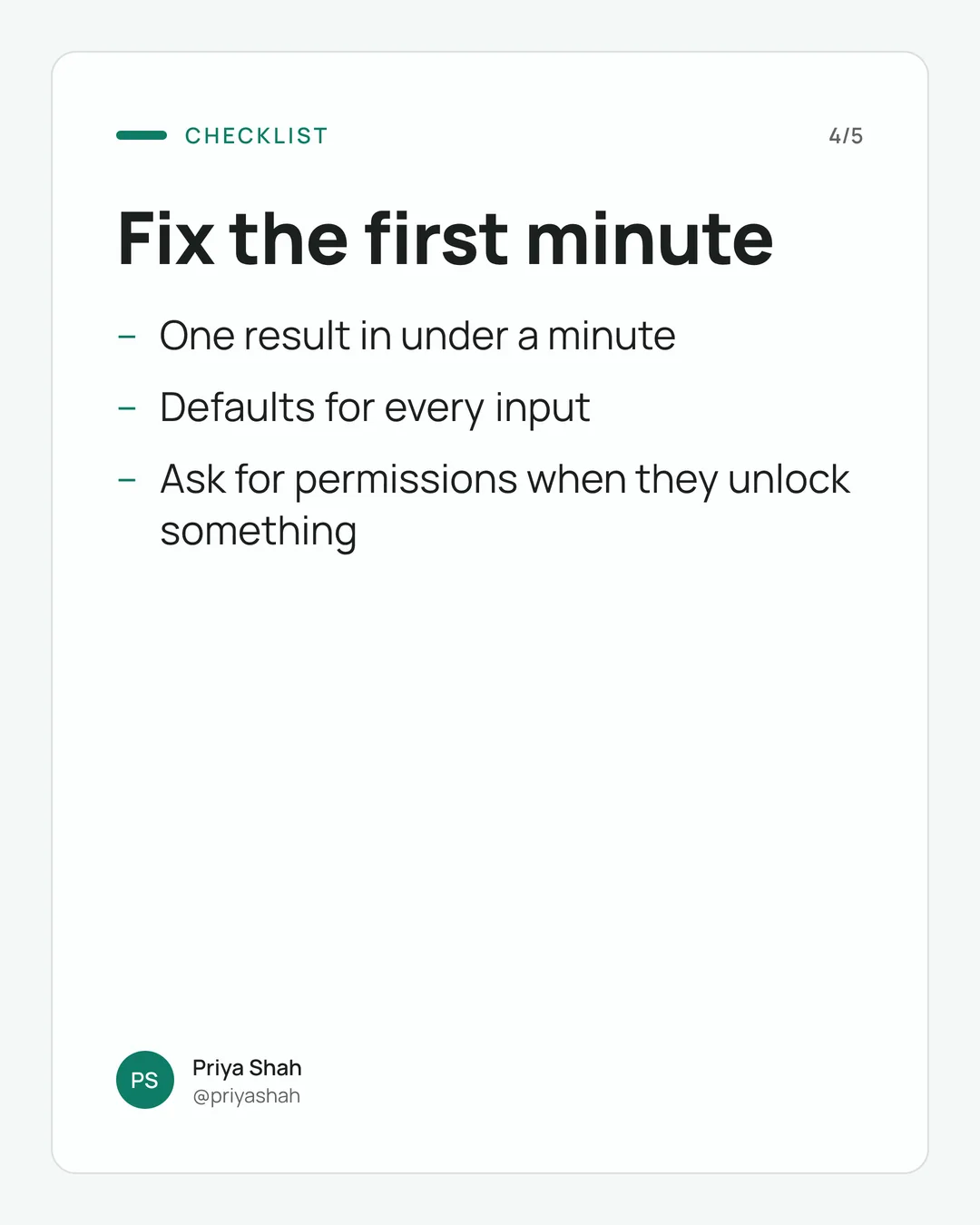
growthnotes.blog/show-value-before-effort
Most onboarding flows fail for a boring reason: they ask for effort before they show value. A new user arrives curious and leaves after the third form field…
How it works
Three steps, no design work
- 1
Paste a topic, your post, or a link
Start from one line, a draft you already wrote (we keep your wording), or an article.
- 2
Pick a hook and edit
Choose from three opening lines, then edit any slide. Your colors, fonts, and photo are already on it.
- 3
Download and post
Get a PDF for LinkedIn or PNGs for Instagram. You post it yourself; we never touch your account.
Time
Minutes, not half an hour
Even with a saved Canva template, a carousel takes most creators 25–30 minutes: writing, splitting text into slides, fixing overflow, matching colors.
- Saved Canva template25–30 min
- CarouselSmith, including editsunder 5 min
Templates
Designed to look like you hired a designer
Each template comes with several layouts per slide, every palette is checked for readable contrast, and text never shrinks below a readable size.
Editorial
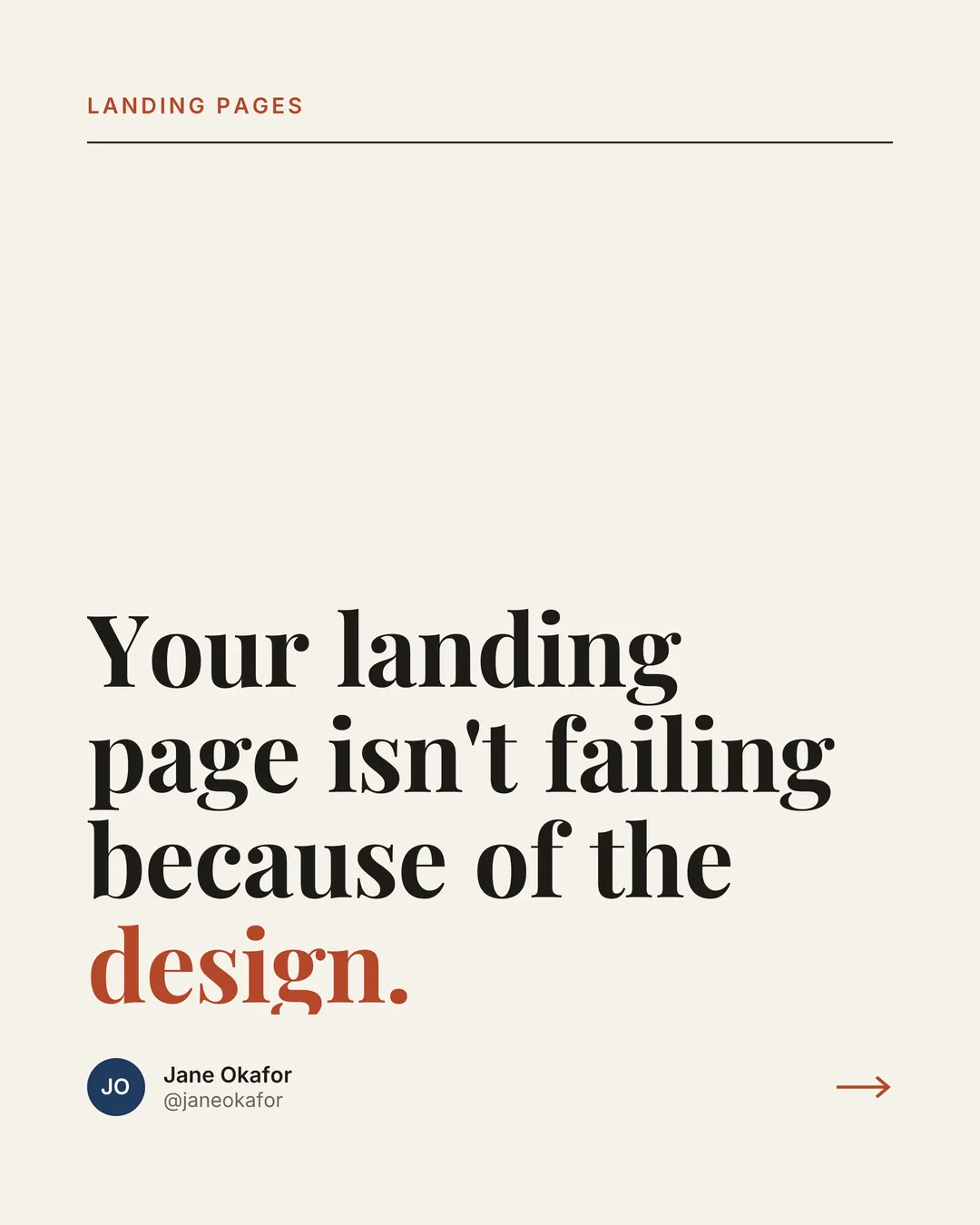
Serif headlines, generous whitespace, thin rules. Calm and consultant-friendly.
Bold Block
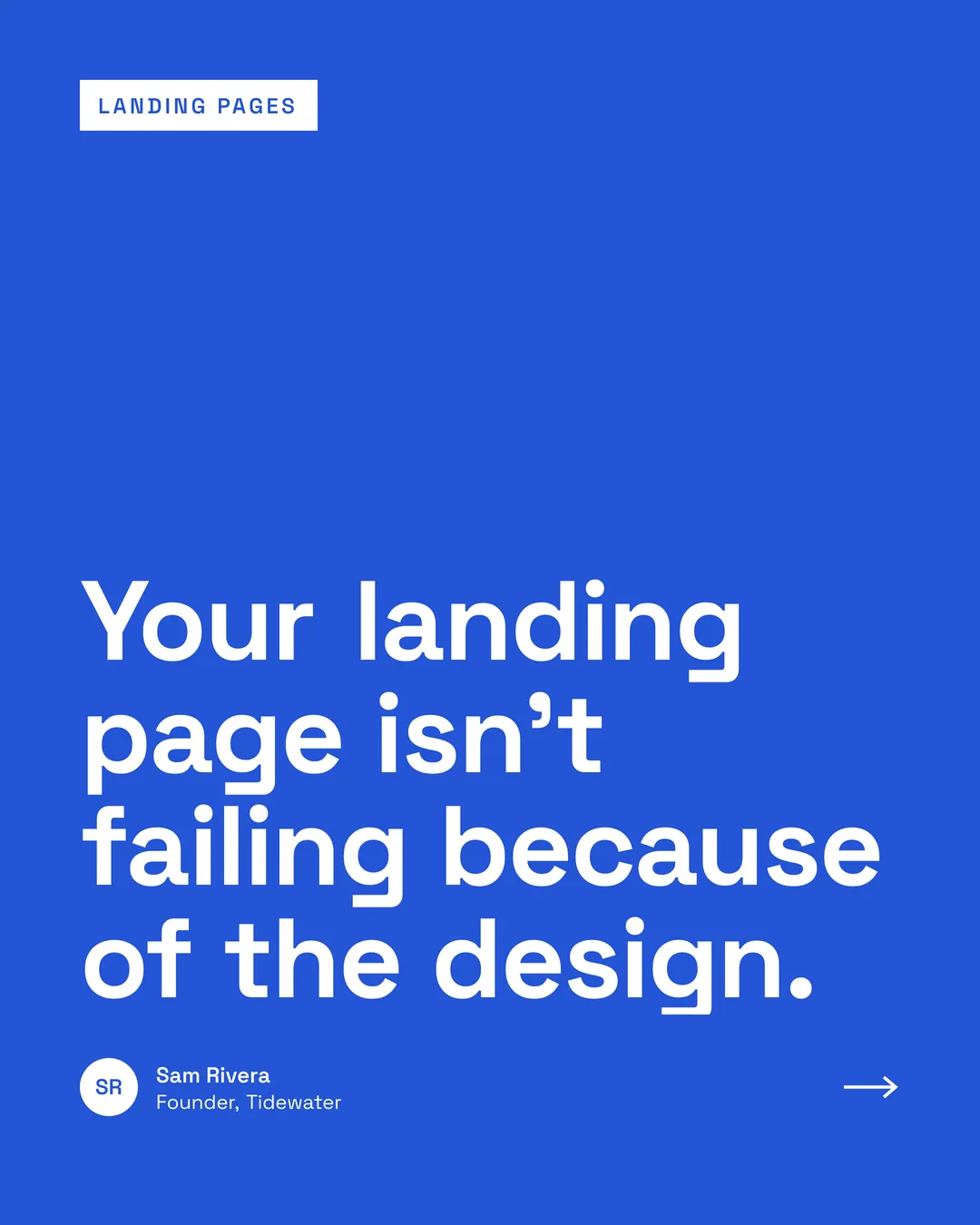
Solid brand-color slides, heavy headlines, giant numbers. Loud and high-contrast.
Minimal Card
A clean card on a soft background with a brand-color accent. Neutral, fits anyone.
Your brand
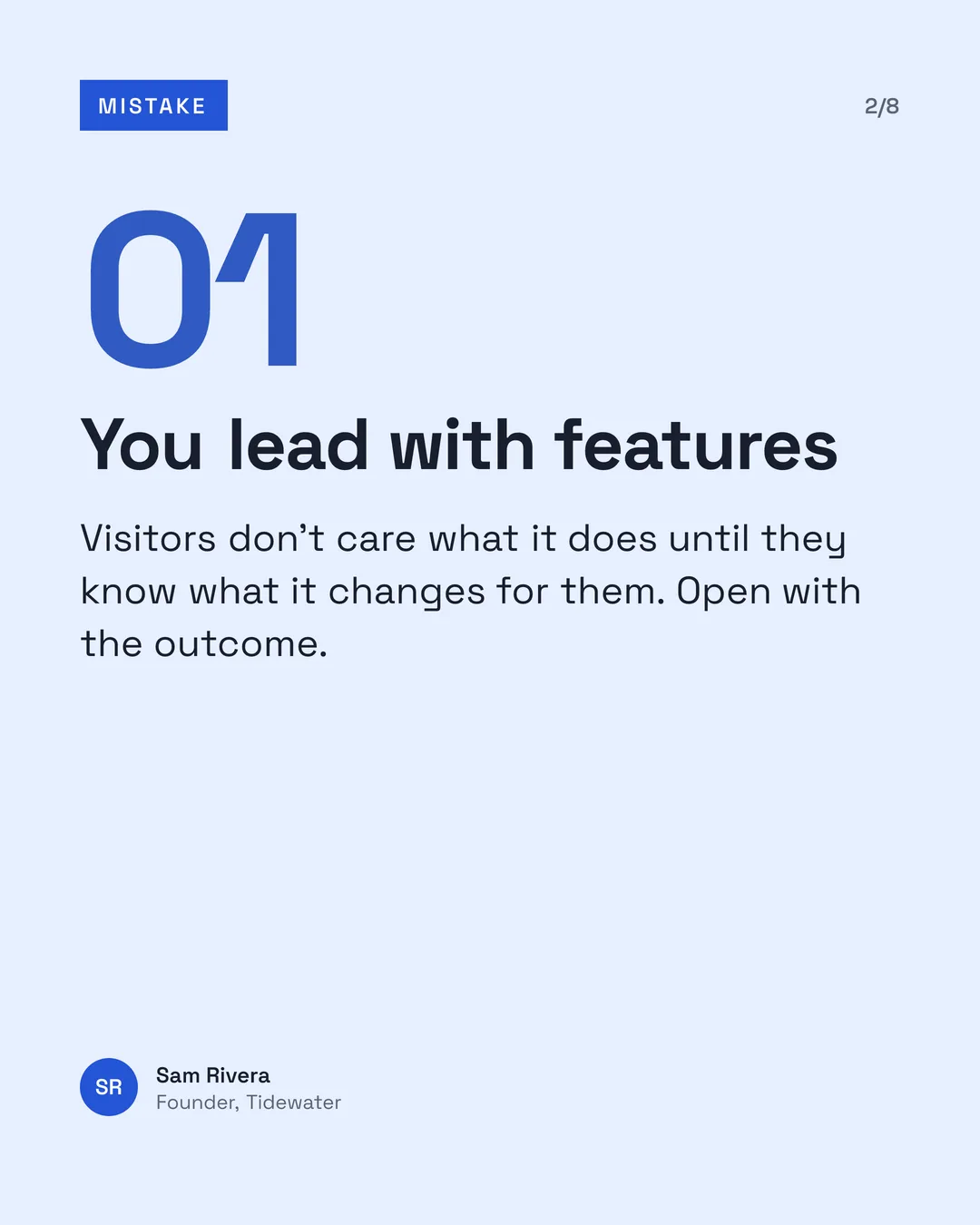
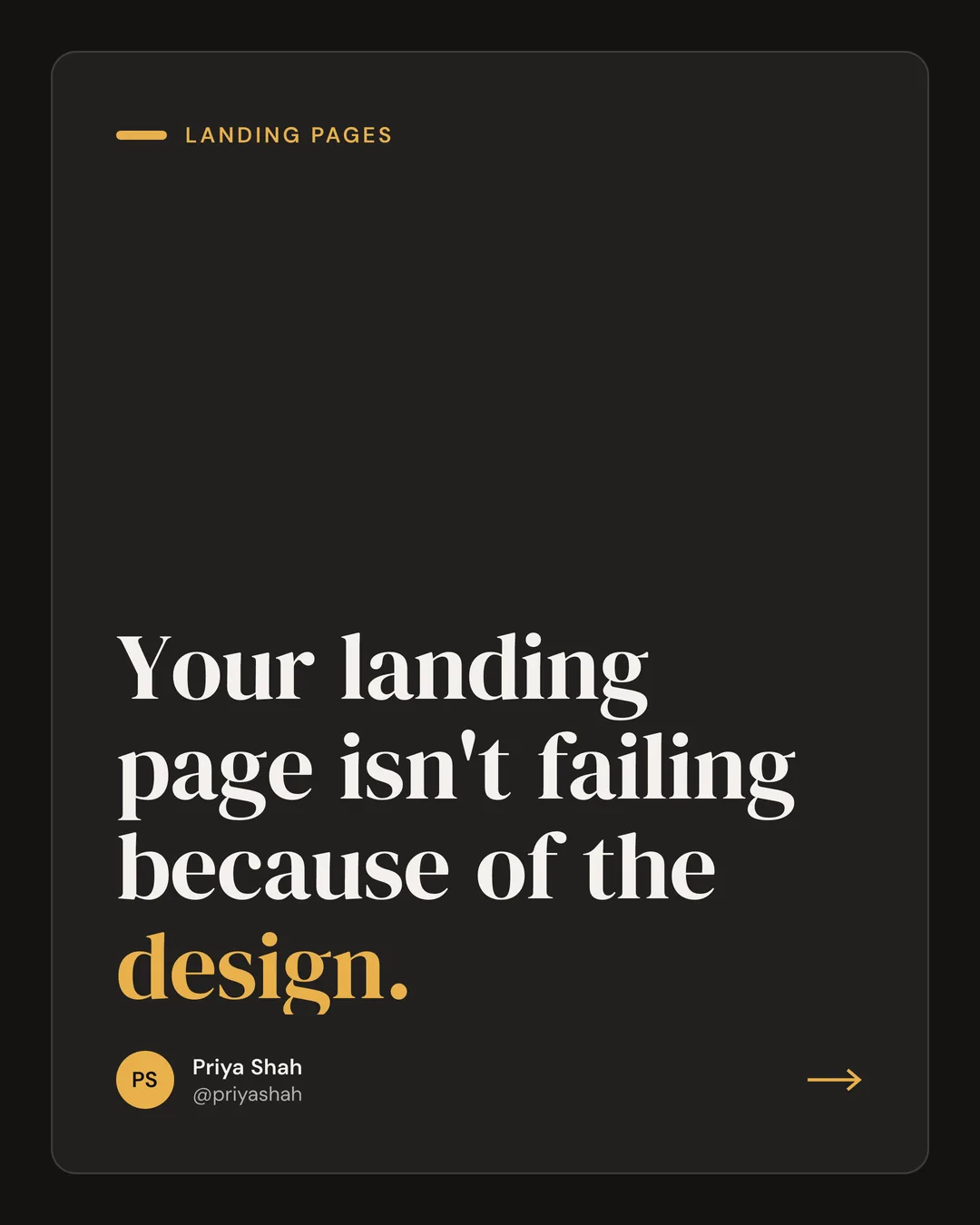
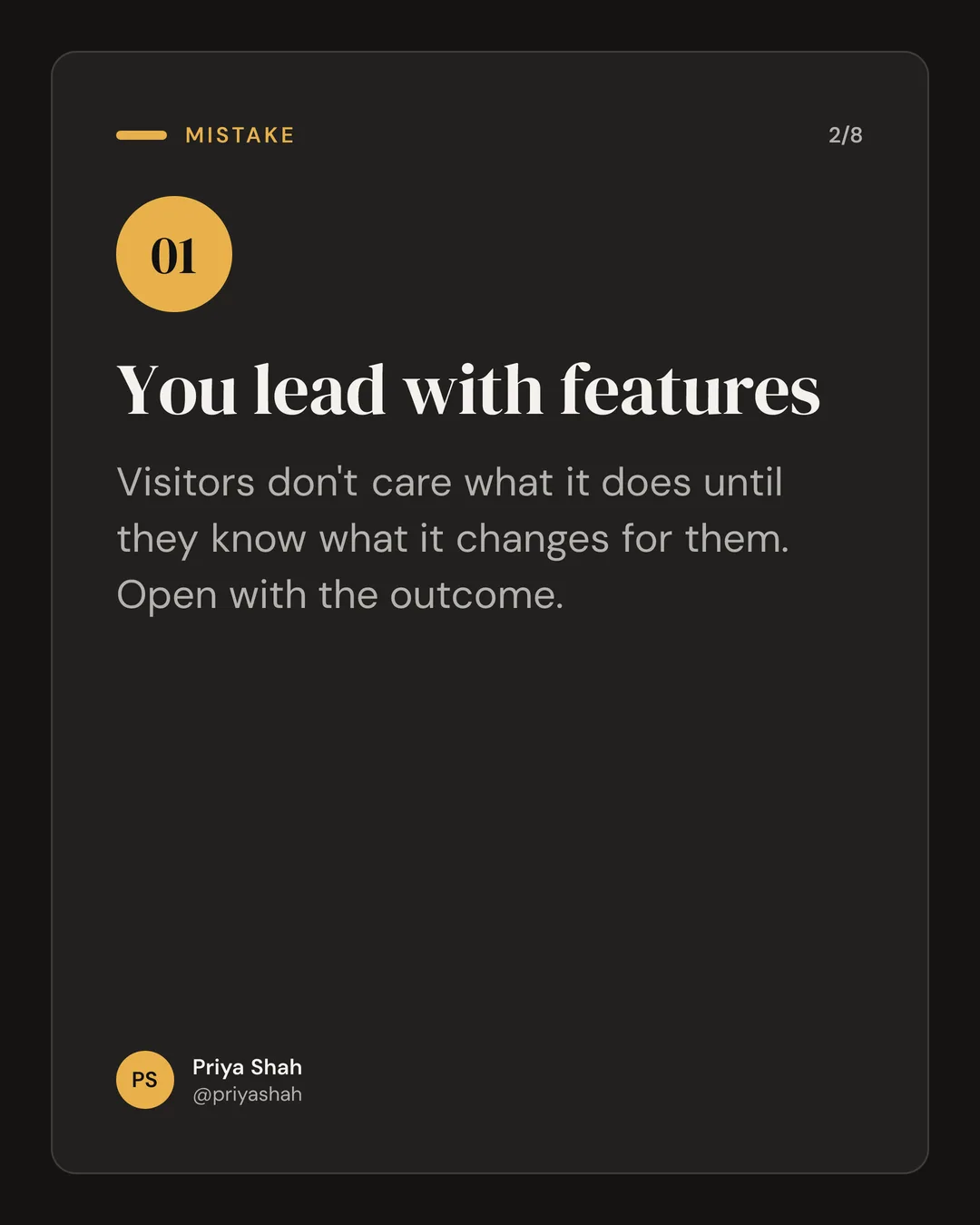
One carousel, three brands
Set your color, fonts, photo, and handle once. The same carousel looks like each person who posts it.
Who it's for
For people who post to win clients
Consultants
Turn client lessons into frameworks prospects save and share.
Founders
Share what you're learning building the company, in your own words.
Ghostwriters
Turn a client's post into an on-brand carousel in minutes, not an hour.
Recruiters
Make hiring advice and market updates people actually stop to read.
B2B marketers
Repurpose blog posts and webinars into a week of LinkedIn content.
FAQ
Questions, answered
What does "pay to download" mean exactly?
Create and edit free. Pay when you download. Writing, regenerating, and editing carousels is free. Every account also gets 1 free download, with a small "Made with CarouselSmith" note on the last slide. After that, downloading needs Pro ($12/month or $99/year).
Can I edit everything?
Yes. Every word on every slide is editable. You can pick between three hook options, regenerate, shorten, or expand a single slide, reorder, duplicate, or delete slides, add a photo, and undo anything.
Can I use my colors and logo?
Yes. Pick your brand color and we suggest palettes that stay readable. Add your logo, headshot, name, and handle once; every carousel uses them.
What formats do I get?
A PDF for LinkedIn document posts, or a set of PNG images for Instagram and TikTok. Slides come in portrait 4:5 (1080×1350) and square 1:1 (1080×1080), exported at twice that resolution.
Does it post to LinkedIn for me?
No. You download the file and post it yourself. We never ask for your LinkedIn login and never touch your account.
Do you train AI on my content?
No. We don't use what you write to train AI models, and we don't sell it. To write your carousel, your input is sent to our AI provider only to generate it.
Can I cancel anytime?
Yes. Cancel from your account page in two clicks. You keep Pro until the end of the period you paid for, then your account returns to Free. Your carousels stay.
Can I use the carousels commercially?
Yes. What you download is yours to post, sell, or use for clients, as long as you have the rights to what you put in (your text, photos, and logo).
Is there a watermark?
Only on the free download: a small "Made with CarouselSmith" in the footer of the last slide, never across your content. Pro downloads have no watermark.
What are the limits?
Free: 5 carousels a day (20 a month), up to 8 content slides each. Pro: 30 a day (150 a month), up to 15 content slides, and up to 200 downloads a month under fair use.
Your next carousel is a paste away.
Create and edit free. Pay when you download.
No design skills · Create and edit free · Pay only to download